The public event page and sharing
Once an event is published it has a page of its own — a public address that anybody can open, whether or not they have a RU4M account. This page describes what that page shows, where its address comes from, and how to hand it to somebody else with the Share Event control.
Share Event is not the same thing as an invitation. It gives you the link and nothing else: nobody is registered, no mail is sent, and the guest list does not change. Sending invitations is a separate action — see Invitations and promotion.
Who can share
Everyone who can open the event's page, which includes people outside your team entirely. Share Event sits in the page's own sidebar, so an organizer reaching the same page from All Events sees the same control a visitor does.
Two other surfaces are worth telling apart, because all three copy something:
| Surface | What it copies | Where it is |
|---|---|---|
| Share Event | the event's public link | the event page's sidebar |
| The Confirm attendance / Get tickets button | nothing — it opens the same link in a new tab | the event page's header and sidebar |
| The icon-only copy button in the events list | the event's short code, not its link | All Events, in the code column |
The last one is the easiest to misread. That button copies a short event code such as ABC123; it is a code you can read out or enter in the app, not a web address, and copying it does not make the event's page reachable.
Where the control is
On the published event's page, in the right-hand sidebar, under Confirm attendance (or Get tickets for an event that sells tickets) and directly above Add to Calendar.
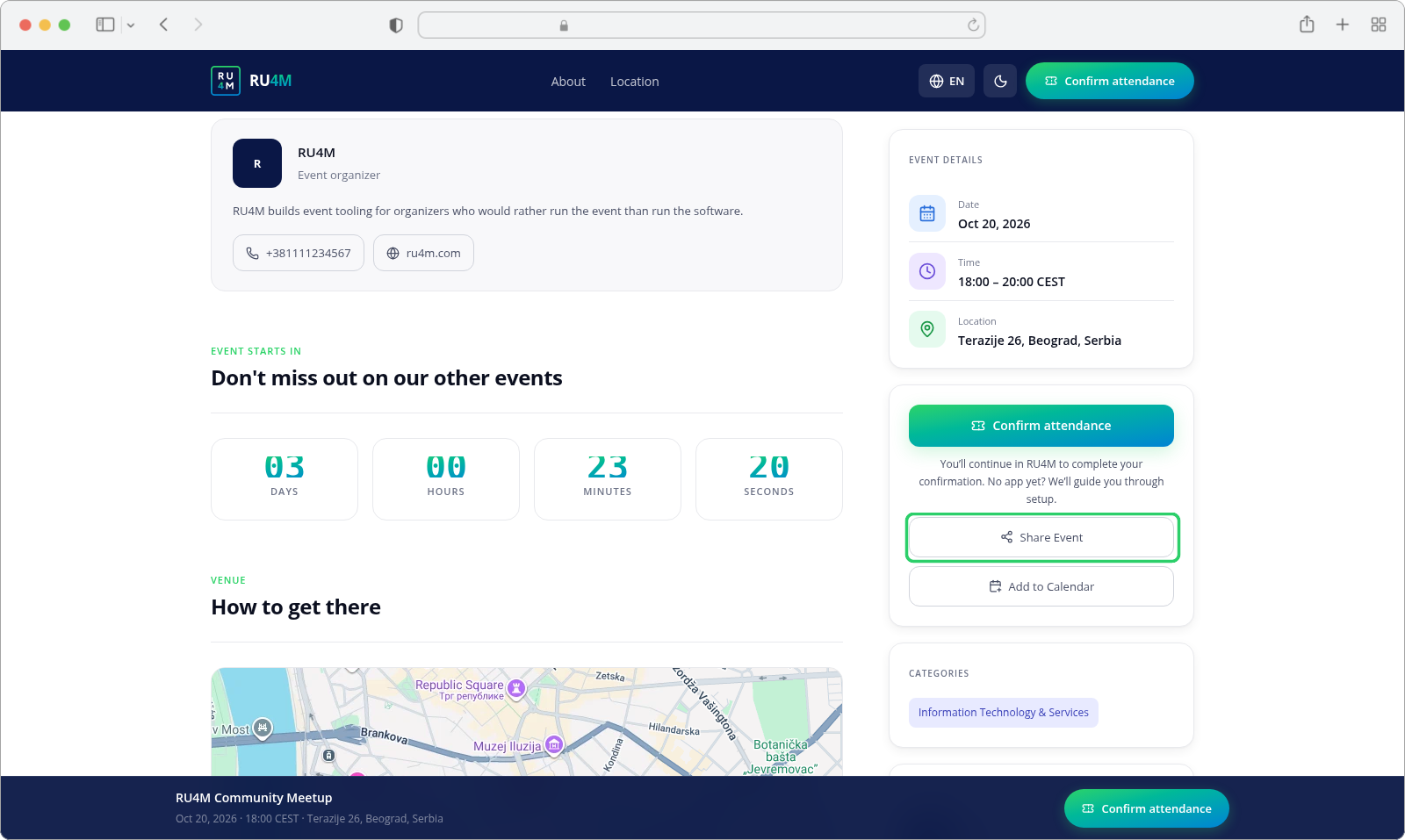
Serbian labels are Podeli događaj and Dodaj u kalendar.
The page itself
The event page is the public face of the event. Everything on it is readable without signing in:
- The cover image, title and short summary, in a hero band across the top.
- Date, Time and Location — with the time shown in the event's own timezone, not the visitor's.
- The full description, and a countdown to the start.
- About and Location sections in the header, jumping to the parts of the page below.
- The organizer's name, logo, phone and website.
- Any agenda, speakers and sponsors the event has, and a map of the venue.
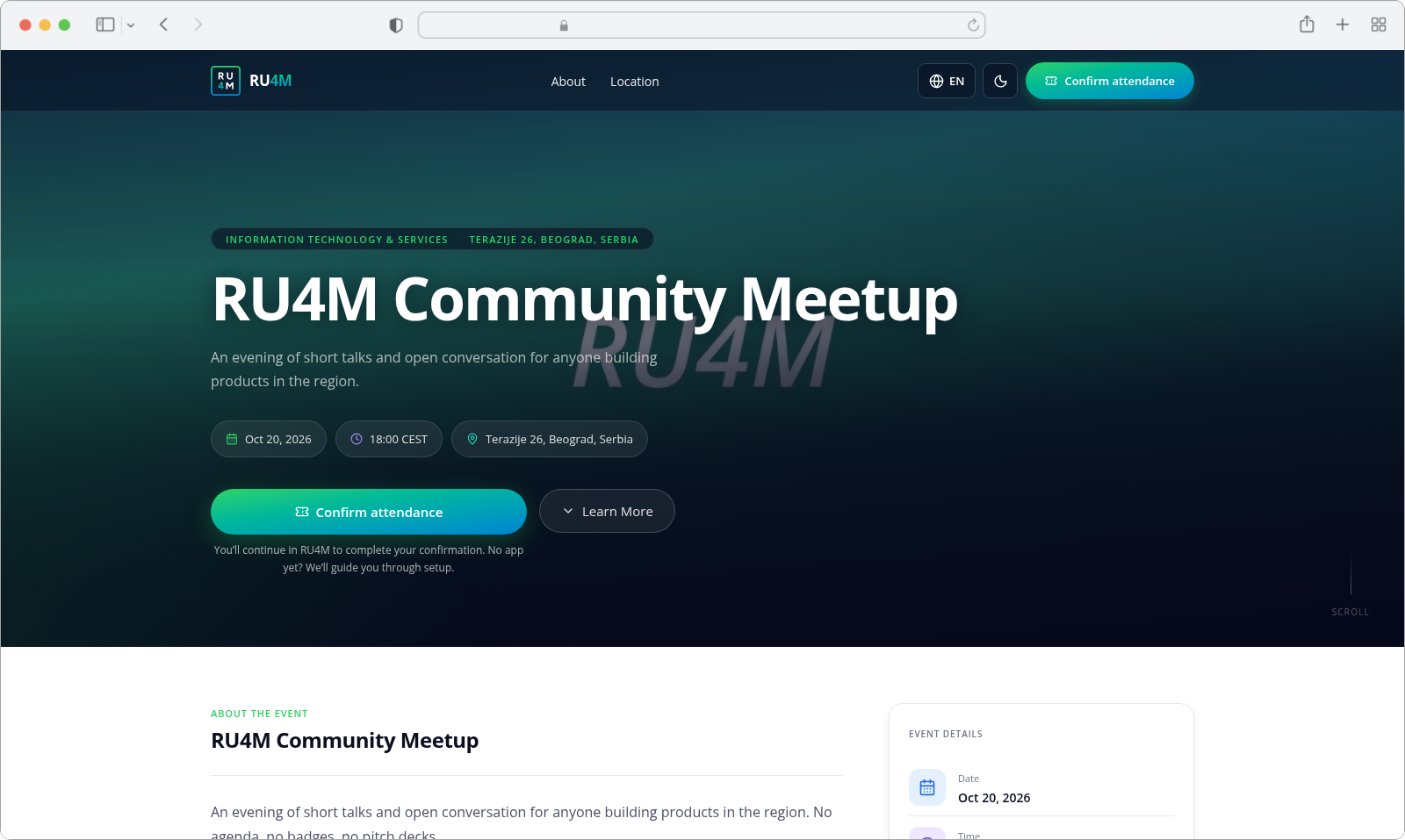
A visitor who is not signed in sees no Edit, no dashboard sidebar and no team controls — the page is not the organizer view. Sign-in state only changes what a visitor can do: a signed-in organizer or team member sees an extra control in the header.
The address
The page's address is built from the event's slug — the readable form of its title — and its language: {app address}/{locale}/events/{slug}. An English page therefore ends in /en/events/… and its Serbian sibling in /sr/events/…, and the two are different addresses for the same event.
Opening an event by its internal ID still works: the page redirects itself to the slug address.
Sharing the link
Press Share Event and the app does whichever of two things your browser supports:
| Your browser | What happens | What you see |
|---|---|---|
| Supports the system share sheet (phones and tablets, most often) | The share sheet opens, pre-filled with the event's title and link | The operating system's own share panel |
| A desktop browser | The link is copied to your clipboard | A confirmation toast |
In a desktop browser the confirmation reads Link copied to clipboard (Link kopiran u clipboard):
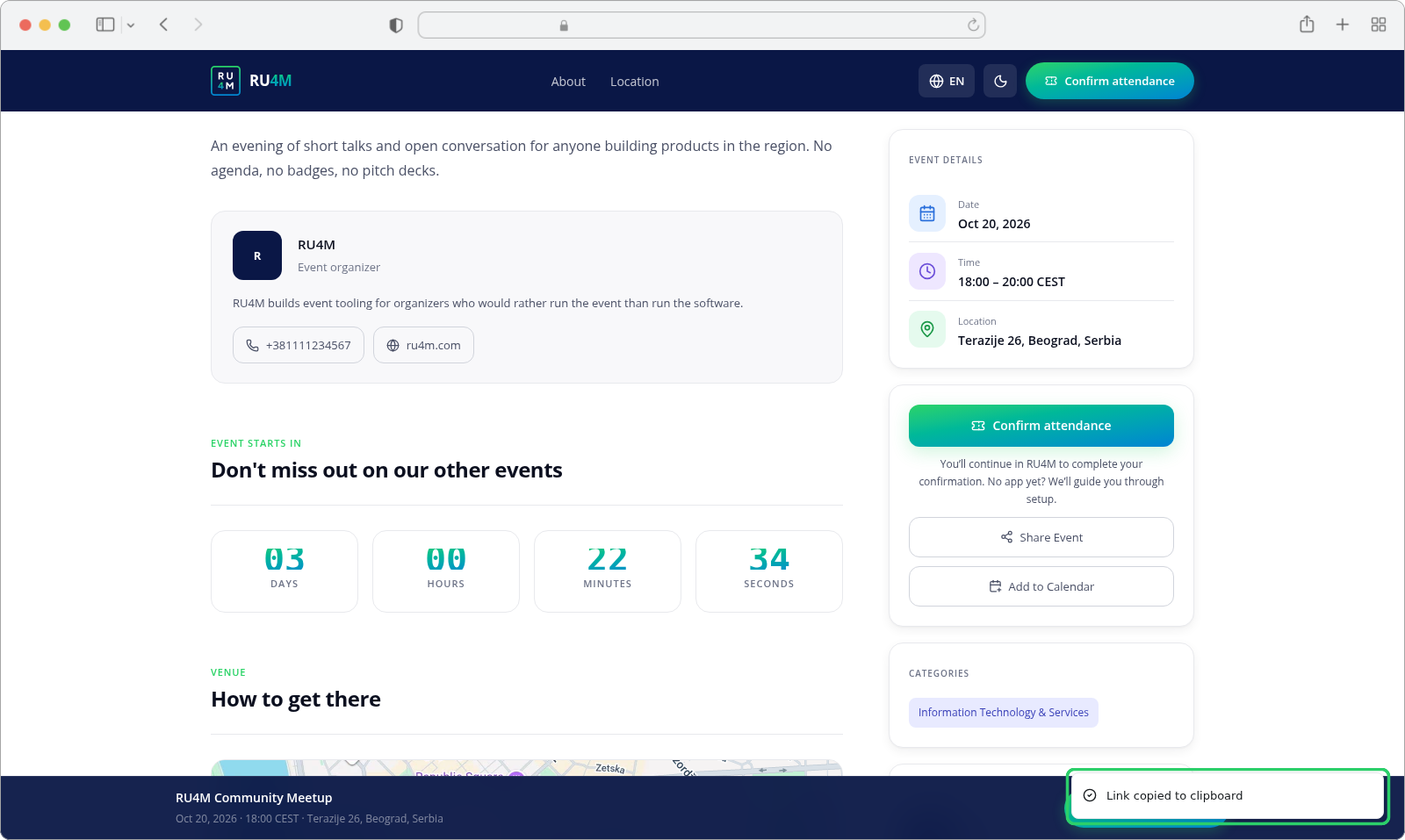
Either way you end up holding the link and nothing else happens to the event: no guest is added, no invitation is recorded, and the ticket count does not move.
If a browser can do neither
Two older browsers can neither share nor copy. In that case the app tries to open the link in a new tab instead, and if the browser blocks the pop-up it says so: Allow pop-ups to share this event. (Dozvolite pop-up prozore da podelite događaj.).
A share the reader cancels on the system share sheet is not a failure and produces no message at all — dismissing the sheet is a normal outcome, not an error. Only a genuine failure raises Failed to share event link. (Deljenje događaja nije uspelo.).
After the event has ended
Once an event's end date has passed, the app stops treating it as something to share. The public link is no longer offered, and Share Event disappears from the sidebar along with the rest of that card — the page keeps its content and its address, but the buttons to act on it are gone.
QR codes for the same link
The event's page address also exists as a QR code, on the event's own page in the backoffice rather than on the public page. That panel appears only once the event is published; before that it says so plainly — QR codes are ready and waiting and QR codes become available once the event is published.
Alongside the event's own QR code, stands and sessions get their own, each opening the right part of the event. QR codes are covered with the rest of running an event, in Run your event.
If something goes wrong
| What you see | What it means | What to do |
|---|---|---|
| The link is copied but the recipient says it does not open | The event is Private, so it does not appear in the listings they browse. The page itself still opens from the link. | Send the link again, or make the event Public — see Event visibility. |
| Share Event is not on the page at all | The event has not been published, or its end date has passed. | Publish it — see Draft, review and publication. |
| Event link is unavailable right now. | No link could be resolved for the event. | Publish the event, then reload the page. |
| Allow pop-ups to share this event. | The browser blocked the app's fallback and your browser can neither share nor copy. | Allow pop-ups for this site, or copy the address from the browser's bar. |
| Nothing happens after you press Share Event | You dismissed the system share sheet. | Nothing is wrong — press it again and choose a target. |
| Failed to share event link. | Sharing genuinely failed. | Try again; if it persists, copy the address from the browser's bar. |
| The copied text is a short code, not a link | You used the events list's code button rather than Share Event. | Open the event page and use Share Event. |
| Your Serbian page shows different labels | The Serbian control reads Podeli događaj. | Both are correct — the interface is localized, so Share Event becomes Podeli događaj. |
Related tasks
- Draft, review and publication — the step that publishes an event, and what makes it publishable
- Event visibility — whether people outside your team can open the page at all
- Invitations and promotion — mailing lists and email campaigns, which reach people the link does not
- Run your event — QR codes, posters and check-in during the event