Create a company
A company holds the profile your team and your public details live in, and it is the thing you connect to an event as its organizer. You can run events without one; you need a company when you want a company rather than your own name in the organizer field.
Everyone with an account can create a company.
No role, no paid package and no existing event are required. An account that has never created one simply has no company to open, and no Companies entry in the sidebar.
Where the dialog opens
The same Add company dialog is reachable from three places, all labelled Add Company and all behaving identically.
| Where you are | What you see | URL |
|---|---|---|
| My Companies with companies already listed | Add Company in the page header, right of the title | /en/dashboard/companies |
| My Companies before you have any company | Add Company inside the No managed companies yet panel | /en/dashboard/companies |
| All Events, before you have any company | Add Company next to Add Event | /en/dashboard/events |
Once you manage a company the sidebar grows a Companies entry, and from then on the list is the way in.
The fields
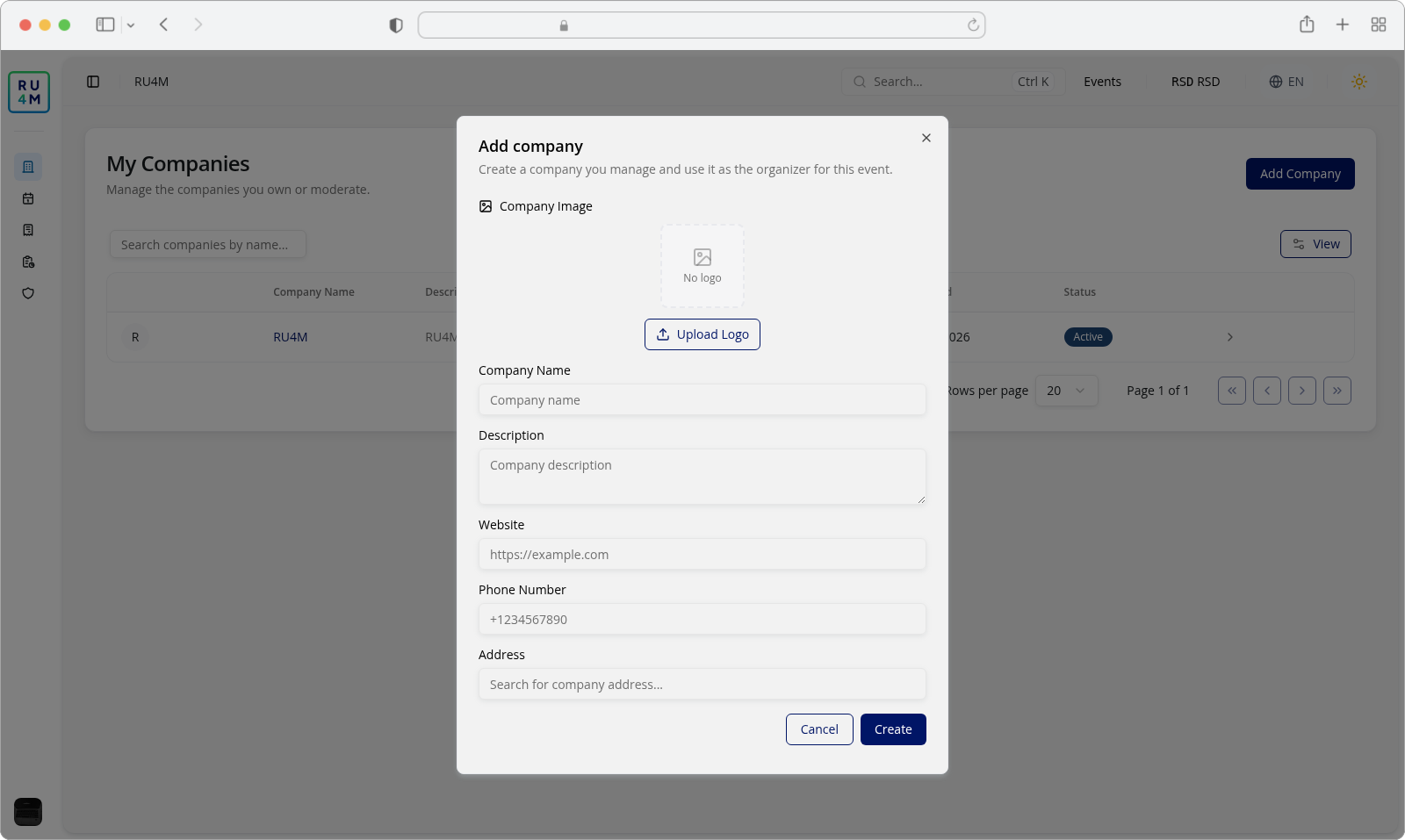
The dialog is titled Add company and opens empty. From top to bottom it carries a Company Image area and five fields, with Cancel and Create at the bottom right.
| Field | Required | What it takes |
|---|---|---|
| Company Image | No | A logo you upload and position yourself. Leave it empty and the company gets a plain circle with the first letter of its name. |
| Company Name | Yes | Up to 100 characters. This is the name shown in the list and used wherever the company is picked. |
| Description | No | Up to 1000 characters. Shown in the Description column of the list. |
| Website | No | If you fill it, it has to be a real address — https://ru4m.com, not ru4m.com. |
| Phone Number | No | Up to 50 characters, and only digits with the characters +, -, (, ) and spaces. |
| Address | No | Picked from the suggestions — see below. |
There is no email field here. The address you choose is stored as separate street, number, city, region, postcode and country values, which is what makes a company usable as an event venue.
Filling in the address
The Address field is a search box, not a plain text field. Type part of an address and a list of matching suggestions appears underneath.
- Type at least a street and a city —
Terazije 26, Beogradreturns Terazije 26, Beograd, Serbia, Otkup Knjiga Beograd, Terazije 26, Belgrade, Serbia and Terazije 26, Belgrade, Serbia. - Click the suggestion you want. While it is being read, the field shows Loading details...
- The field fills with the resolved address and shows an × to clear it. Clearing it is safe — you can search again or leave the company without one.
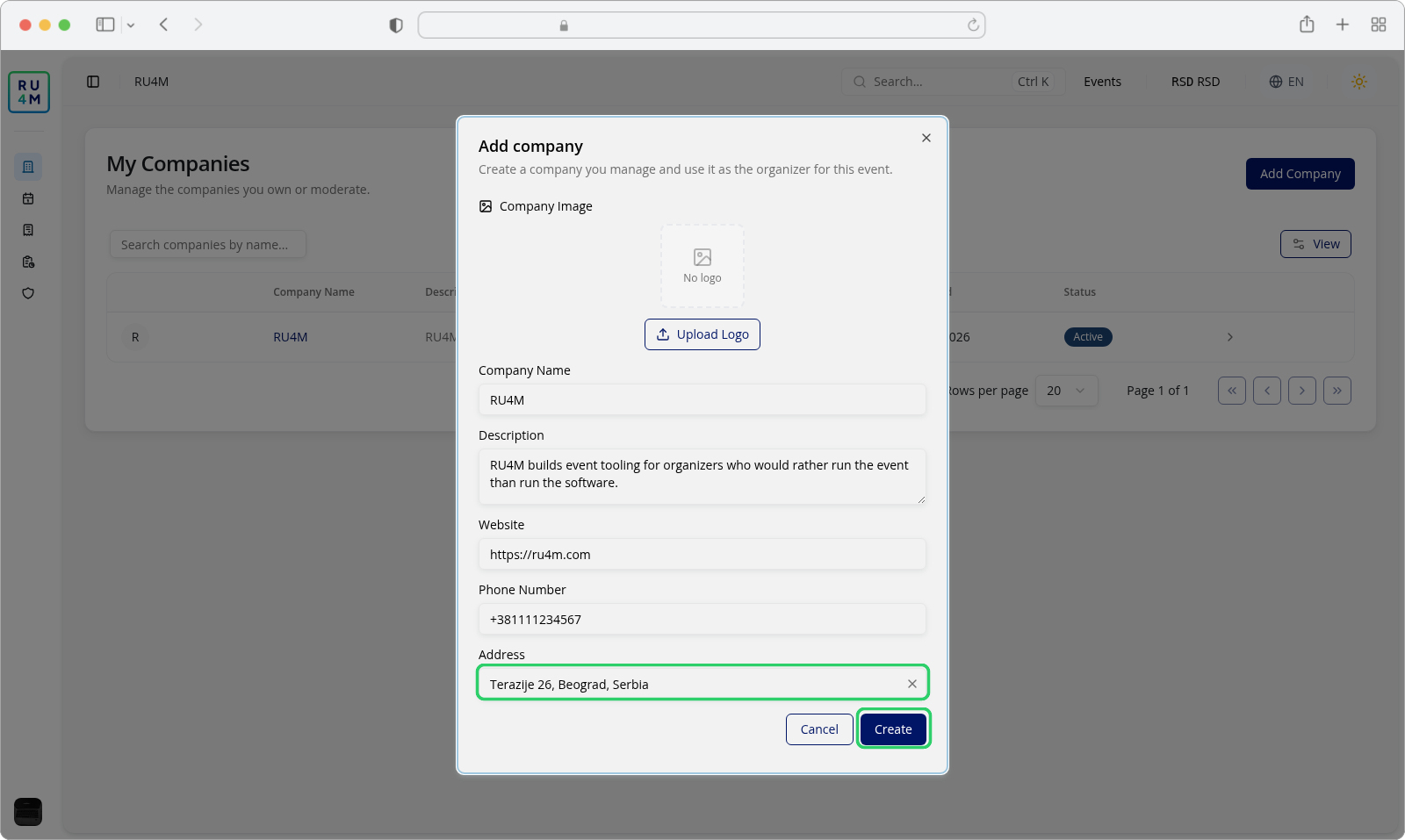
Two things about this field:
- Leaving it empty is allowed. The company is created without an address.
- Typing without picking a suggestion is also allowed — the text you typed is simply not stored as a structured address.
Adding a logo
Press Upload Logo and choose an image. A second dialog opens over the first one, titled Position and zoom logo, with the image in a square crop area you can drag.
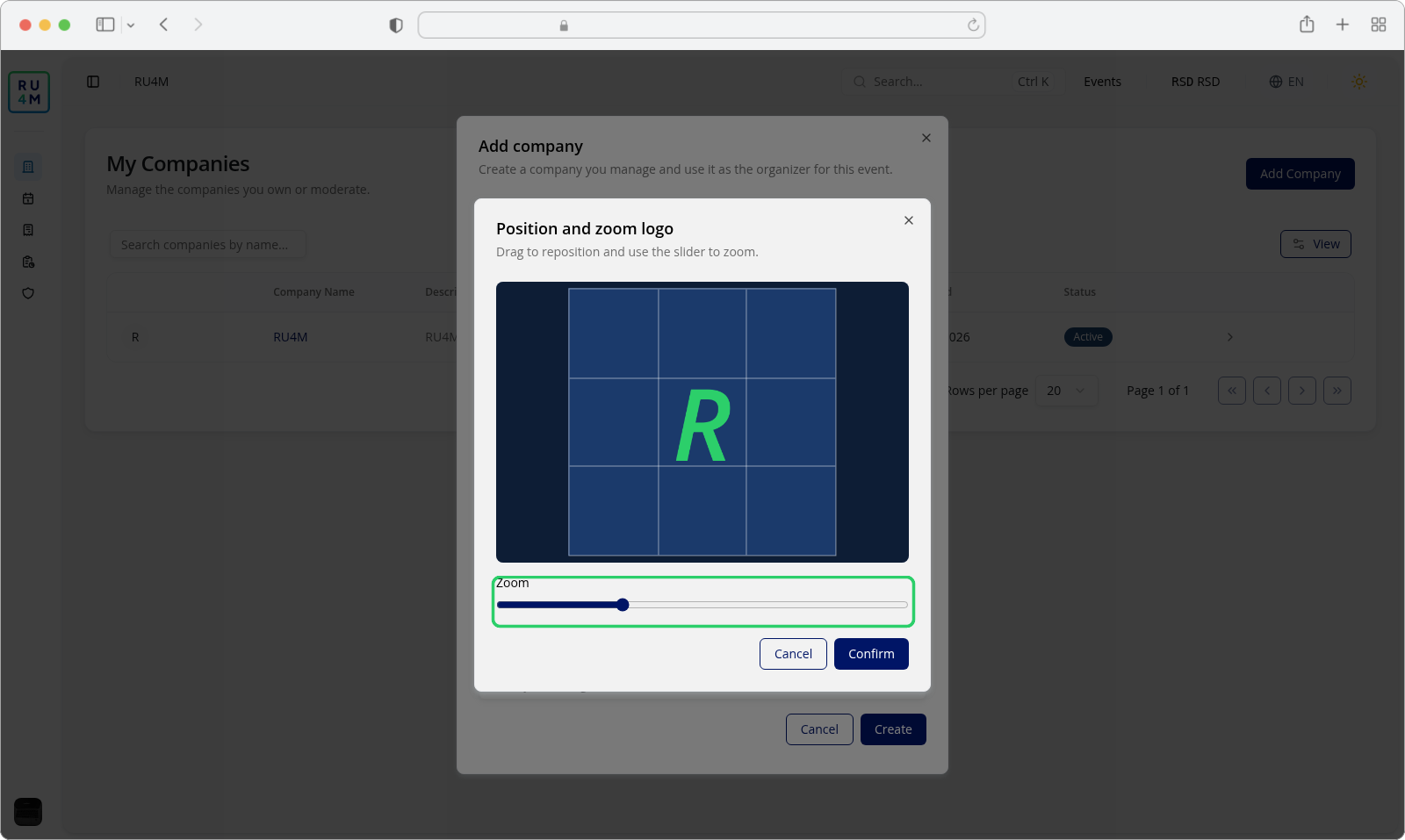
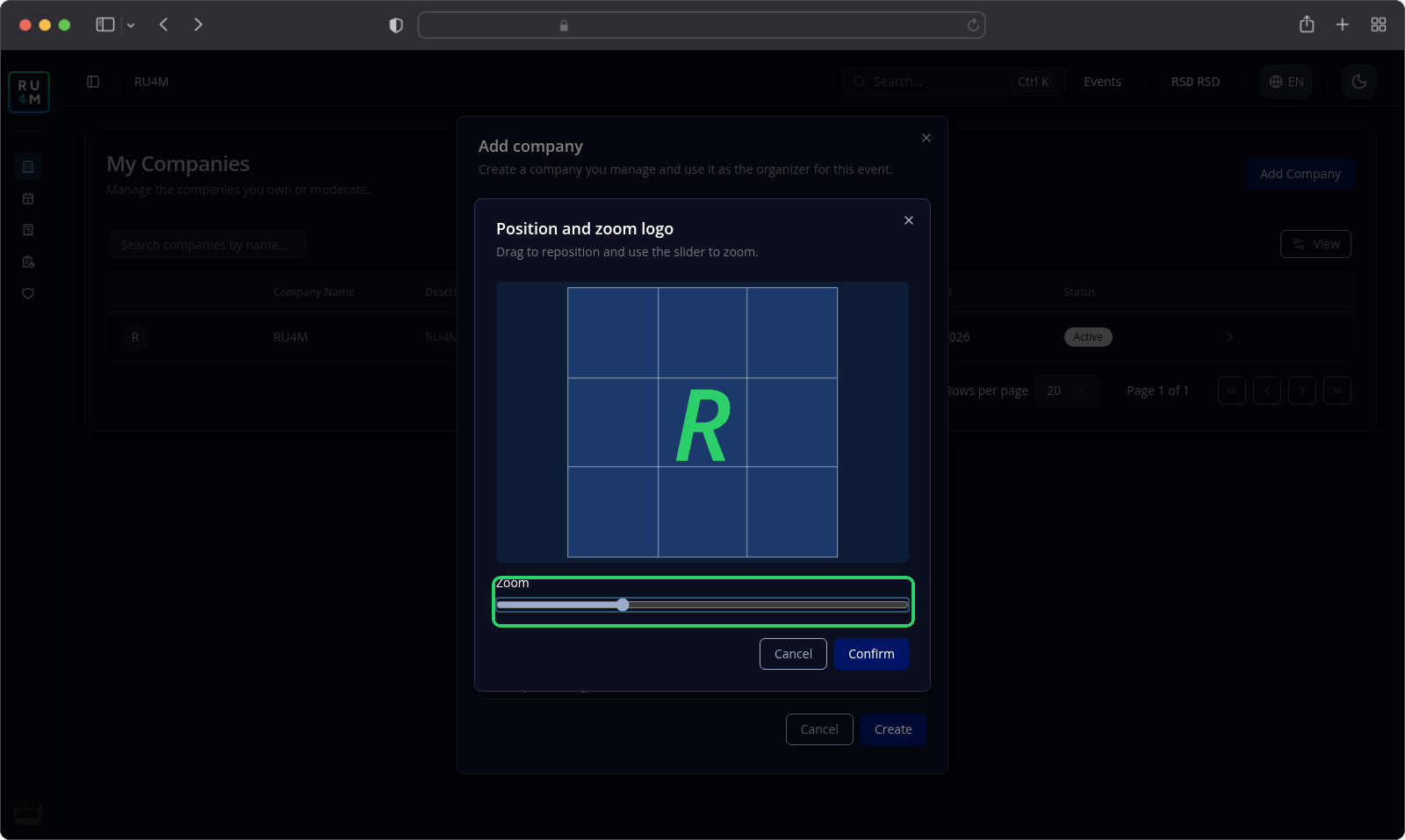
Move the image by dragging it, and set the Zoom slider — from 1 to 3 — to scale it inside the square. The result is a square crop, so a logo with the important detail in the middle sits best. Confirm keeps the crop; Cancel discards the choice and leaves the field as it was. If an image cannot be processed, the dialog says so and you can try again or choose another.
The logo is optional. Upload Logo becomes Uploading... while the file is on its way.
Pressing Create
Press Create. The company is created, a confirmation reading Company created and selected. appears, and the dialog closes.
Where you land depends on where you opened it:
| Opened from | You end up on |
|---|---|
| My Companies — header button or empty-state panel | The new company's own page, ready for its details, logo and team |
| All Events — Add Company next to Add Event | Where you were. Nothing is selected here; use the company later when you pick the organizer for an event. |
The button is not disabled for a missing field
Create is only unavailable while the dialog is working: uploading the logo, resolving the address you picked, or submitting. It never greys out because a field is empty — an entirely empty dialog still offers it. What is missing is reported under the field itself when you press it, so the button is always the fastest way to find out what is still needed.
While the company is being created the button shows a spinner and the label Creating.... When it is greyed out for the logo or the address, the reason is written next to that field instead (Uploading... by Company Image, Loading details... under Address).
If something goes wrong
| What you see | What it means | What to do |
|---|---|---|
| Name is required under Company Name | You pressed Create with the name empty or containing only spaces. | Type the name, up to 100 characters. |
| Name cannot exceed 100 characters | The name is too long. | Shorten it to 100 characters or fewer. |
| Maximum 1000 characters allowed under Description | The description is too long. | Shorten it, or leave it empty. |
| Please enter valid URL under Website | The website is filled but is not a complete address. | Include the scheme: https://ru4m.com. |
| Please enter valid phone number under Phone Number | The number contains letters or other symbols. | Use digits with +, -, (, ) and spaces only. |
| Location is required under Address | You picked a suggestion whose details could not be read, so it has no coordinates. | Pick a different suggestion; if it persists, clear the field with × and create the company without an address. |
| We couldn't process this image. Try again or cancel and choose another image. | The chosen file could not be cropped. | Choose another image, or press Cancel and create the company without a logo. |
| Failed to upload image or Failed to parse selected address | The upload or the address lookup failed on the service side. | Nothing was saved — close the dialog with Cancel and open it again to retry. |
| The company is not in the list after creating it | You were taken straight to the company's own page instead of the list. | Go back to /en/dashboard/companies; a company you created is always owned by you. |